An invitation website your guests can RSVP on
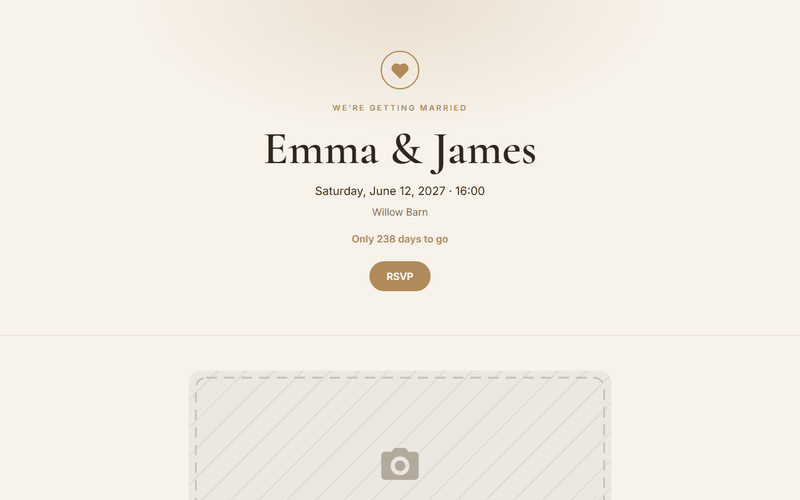
Date, place, schedule, map and a form where guests confirm. Start from the invitation template, fill in the details and send one link instead of ten messages.
- An address like your-name.hostilo.page with HTTPS
- Up to 5 pages and 50 MB, no card
- A code editor with a live preview
How it works
- Open the invitation template, pick wedding, birthday or christening, and enter names, date and place.
- Create a free account and publish.
- Send name.hostilo.page to your guests. Answers arrive in your email.
Before you publish
Give the RSVP deadline
"Please confirm by 15 May" gets more answers than an open request.
Add the map link and parking
That's what guests check on the day itself.
Keep the link short
anna-and-tom.hostilo.page fits on a printed card.
What you get on the free plan
- An address like your-name.hostilo.page with HTTPS
- Up to 5 pages and 50 MB, no card
- A code editor with a live preview
- Visit stats for the last 7 days
- Contact forms: 50 messages a month
- Download your page as a ZIP at any time
PRO adds your own domain, 20 pages, 1 GB, no badge and a year of stats, for $29 a year. Try it free for 7 days after you sign up.
Questions
Where do RSVP answers go?
To your email. The free plan includes 50 form messages a month, PRO has no limit and a CSV export.
Can I protect the page with a password?
Yes, on PRO. Only guests with the password will see it.
Can I add photos after the event?
Yes. Add a gallery section and upload photos in the editor.
Can guests open it on any phone?
Yes. The template is built for phones first.
Related guides
Your page can be online in a minute
Sign up with an email address and a password. Free plan, no card.
Use this template free